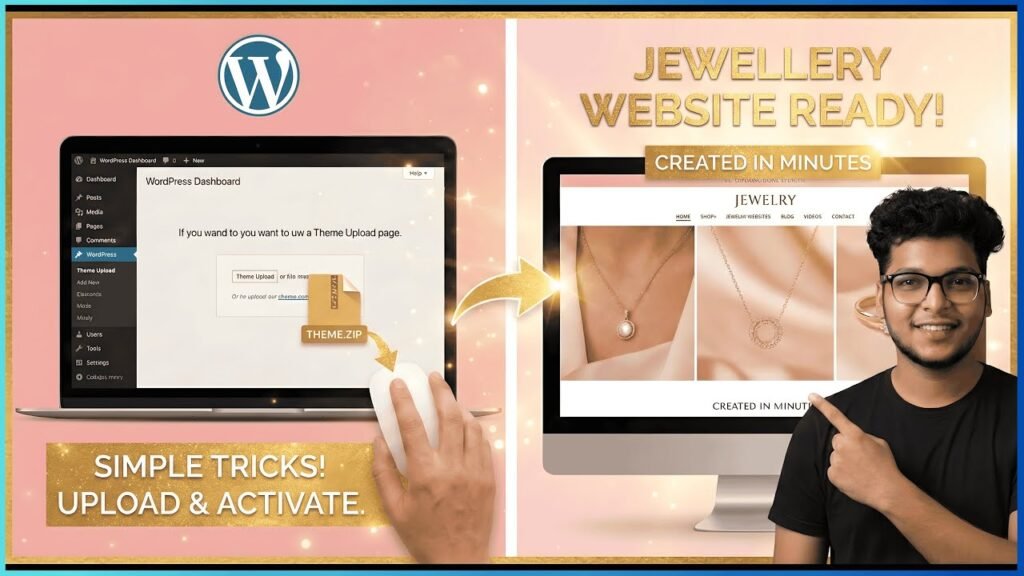
How to Build a Professional Jewelry Website in Minutes (The “One-File” Cheat Code)
Ready to start?
- Download the Magic File
- Get your Hosting Discount
- Launch your brand today!
Are you tired of spending endless hours dragging and dropping elements to design a website? For entrepreneurs in the jewelry business, time is money. Whether you are selling handmade necklaces, luxury watches, or starting a dropshipping empire, you need a high-converting shop that looks premium—and you need it now.
In this guide, we are skipping the complicated design phase. I’m sharing a “Magic Theme File” that allows you to upload one single file and have a fully functional, professional jewelry store ready to go instantly.
Why Use the “One-File” Method?
Traditional web design requires you to pick a theme, install dozens of plugins, and manually design every page. This “Cheat Code” method is different because:
- Zero Coding: No technical skills required.
- Instant Layout: The homepage, shop pages, and product layouts are pre-configured.
- Sales Optimized: Designed specifically for the jewelry niche to build trust and drive conversions.
Phase 1: The Foundation (Domain & Hosting)
Before you can use the magic file, you need a place for your website to live.
- Get Hosting: Go to Hostinger (use this link for a special discount). For a professional store, the “Business” or “Premium” plans are recommended.
- Claim Your Domain: Choose a name that reflects your brand (e.g., https://www.google.com/search?q=GoldenGraceJewels.com).
- Install WordPress: Hostinger offers a 1-click WordPress installation. Follow the setup wizard, create your admin username and password, and you’re ready to roll.
Phase 2: The “Magic” Upload 🪄
This is where the shortcut happens. Instead of building from scratch, we are going to import a pre-made masterpiece.
- Download the Theme File: Grab the specific template file from this Google Drive Link.
- Upload to WordPress: Log into your WordPress dashboard. Navigate to Plugins > Add New > Upload.
- Note: Usually, these “Cheat Codes” involve using a migration plugin like “All-in-One WP Migration” to upload the file.
- Watch the Magic: Once the upload finishes and you click “Restore” or “Activate,” visit your site’s URL. You will see a complete, high-end jewelry store where there was once a blank page.
Phase 3: Customizing Your Store
Now that the skeleton is built, you need to make it yours.
- Logo & Branding: Go to the Customizer settings to swap out the placeholder logo for your brand logo. Adjust the primary colors to match your jewelry style (Gold, Rose Gold, or Classic Silver themes).
- Adding Products: Navigate to WooCommerce > Products. You can delete the demo items and add your own. Be sure to upload high-resolution images—in the jewelry world, the photo sells the product!
- Setting Up Payments: Go to WooCommerce > Settings > Payments. Link your PayPal, Stripe, or Razorpay account so you can start collecting money immediately.
Phase 4: Why This Works for Entrepreneurs
Most people get stuck in “analysis paralysis” trying to make their website perfect. This method follows the 80/20 Rule:
- 20% effort (uploading the file) gives you
- 80% of the results (a professional, live store).
This allows you to focus on what actually matters: Marketing your jewelry and making sales.
Conclusion
Building a website doesn’t have to be a headache. By using this “one-file” trick, you bypass the hardest parts of web development.
Have questions? Drop a comment below and let’s get your jewelry business online!
#WordPress #JewelryBusiness #EcommerceTips #NoCode #WebDesign #WooCommerce